Multi-person
Up to four people in one frame
Compose families and groups, with identity strength set person by person.
- Person 1 · high
- Person 2 · high
- Person 3 · medium
- Person 4 · high
One studio for every image and video model. Your characters and results stay on your disk. Make stills with Codex, Gemini, OpenAI or ComfyUI, animate them with Kling, Veo or Seedance, and switch providers without moving a thing.
git clone https://github.com/vishwakulkarni/PoseForge.git && cd PoseForge && npm install && npm run dev✓ Ready on http://localhost:3000
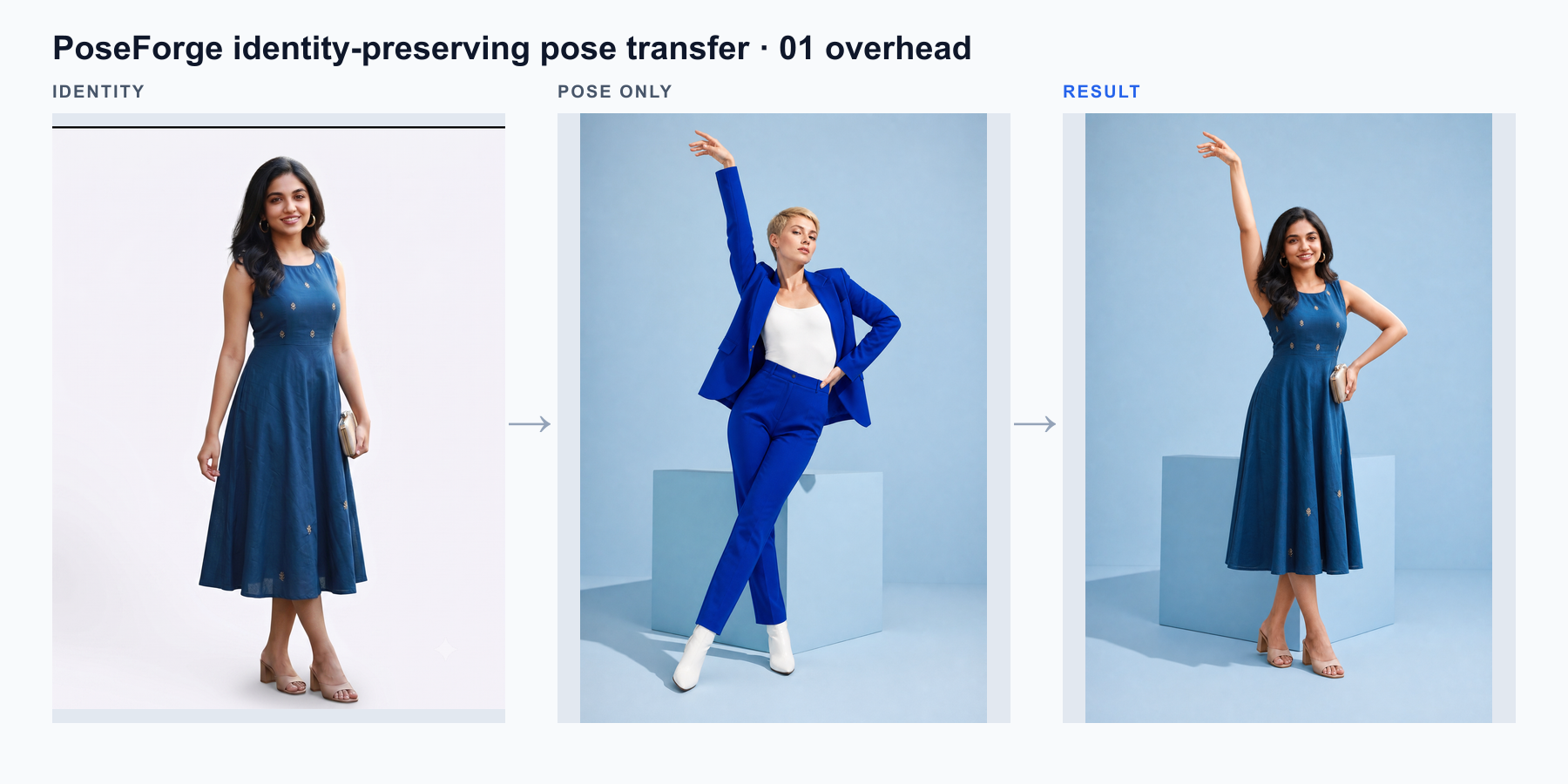
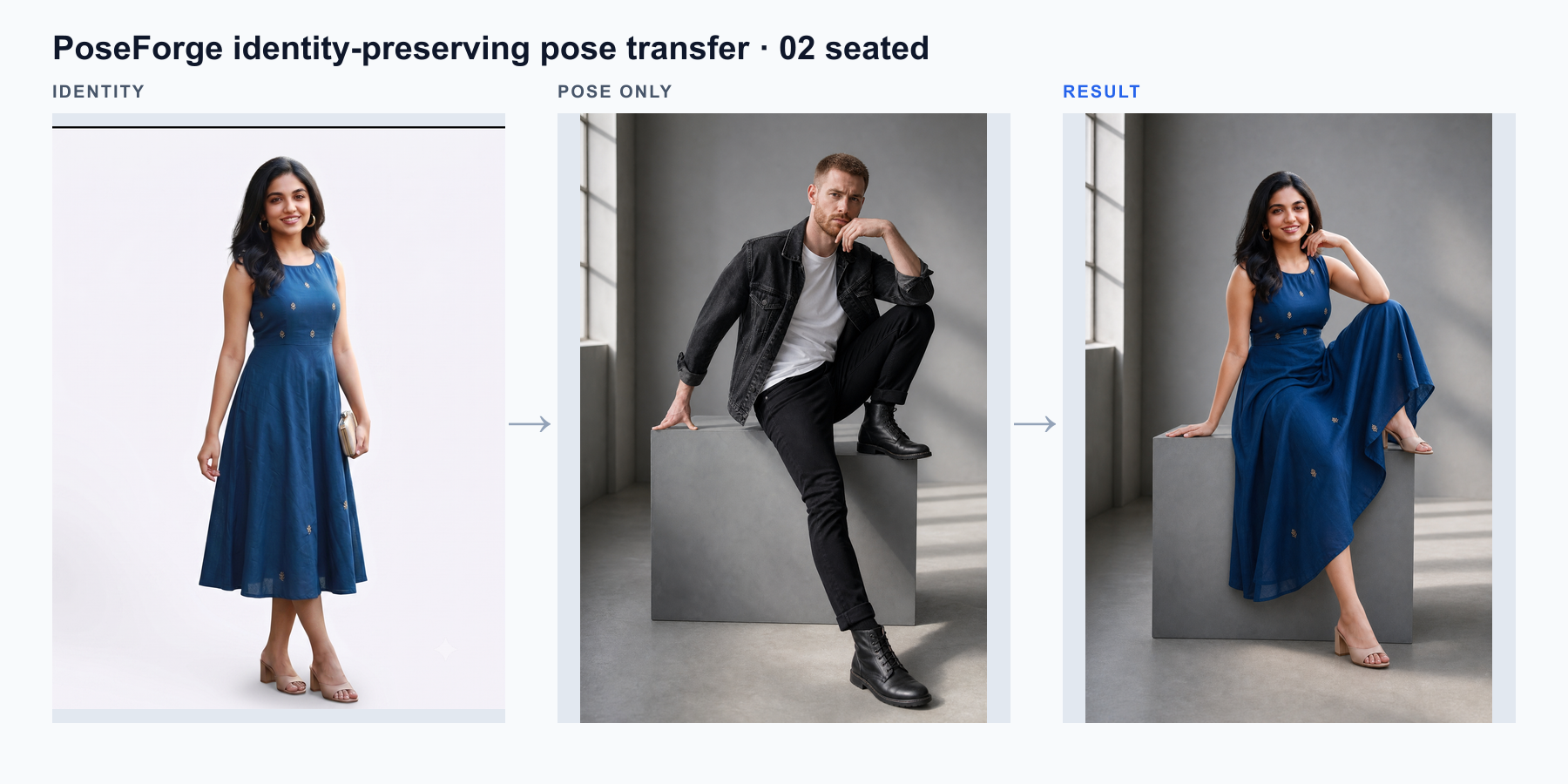
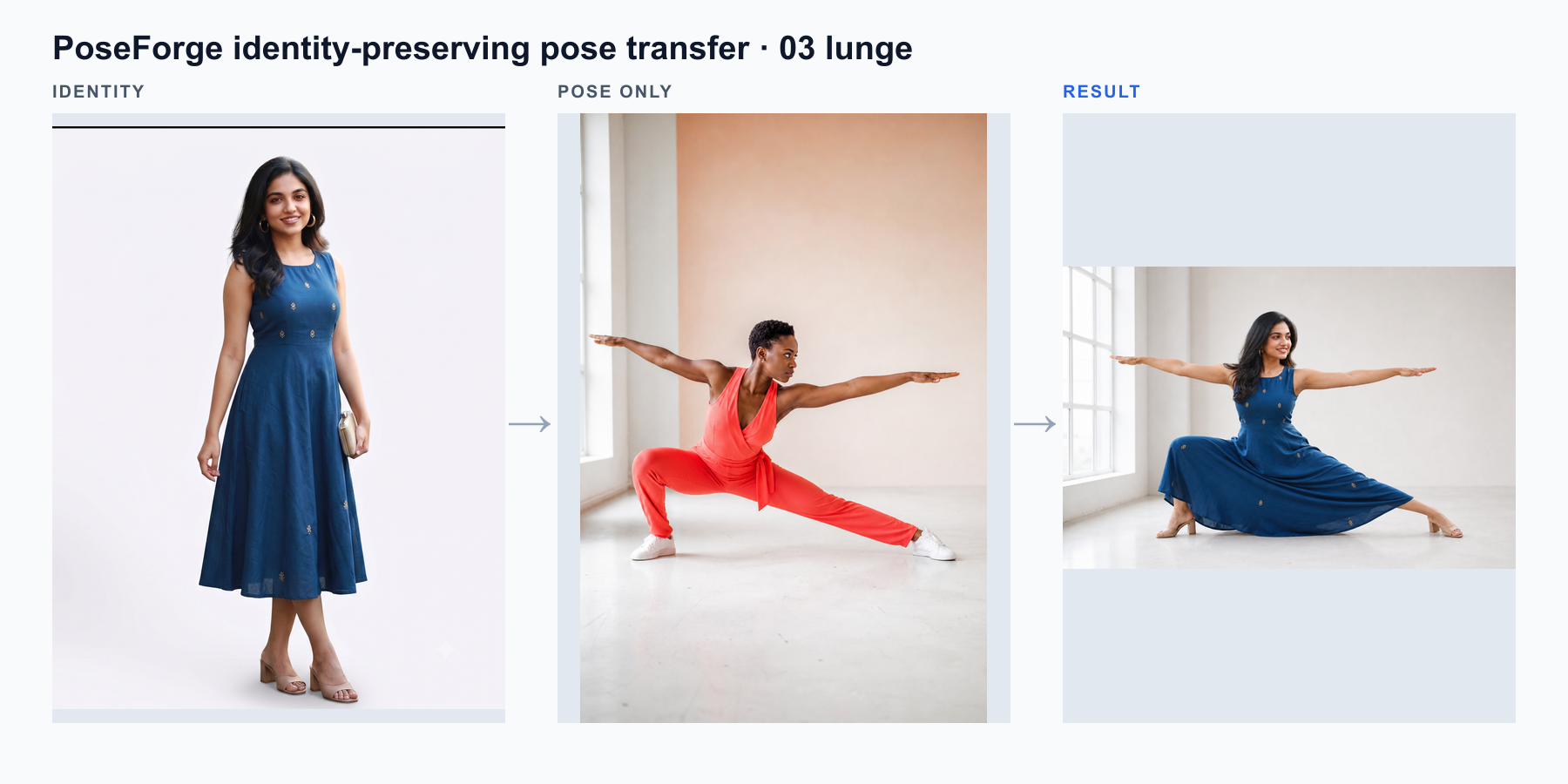
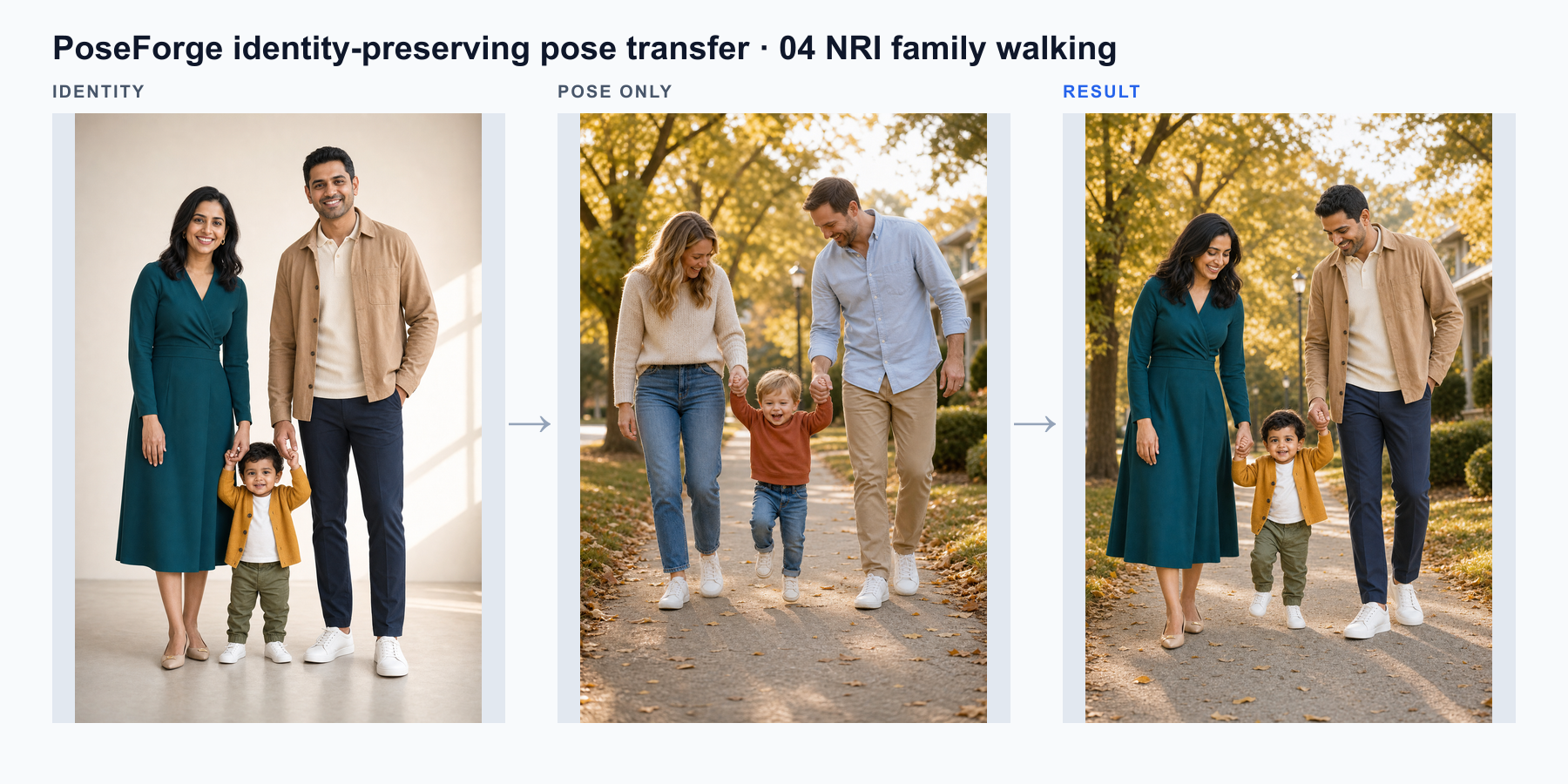
Your characters, poses, projects and history belong to you, not to a provider's account. Change engines in one click and carry on where you left off.
Build a character once. Every engine uses the same saved references. Nothing to export, re-upload or rebuild.
Images, clips, prompts, cost and latency land in one local history, whichever provider made them.
If a provider raises prices or changes its model, pick another from the dropdown. Your project keeps going.
ComfyUI keeps generation fully offline. Other engines receive only the references and prompt for the image you're making. See the data flow
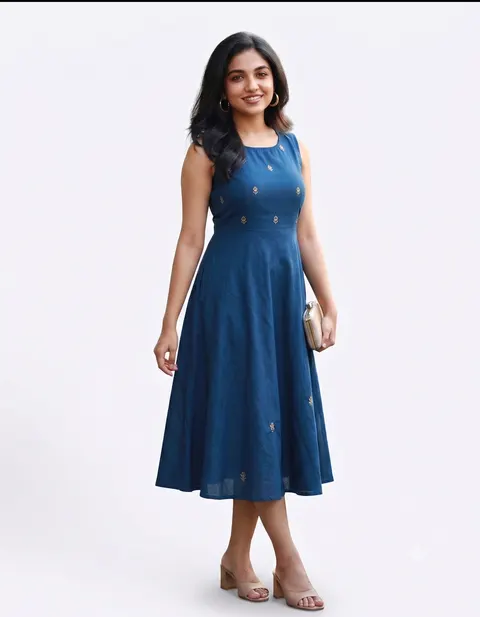
engine → Codex CLI (Local CLI)character ✓ reused, nothing re-uploadedproject ✓ same settings, no setuphistory ✓ every take on your disk
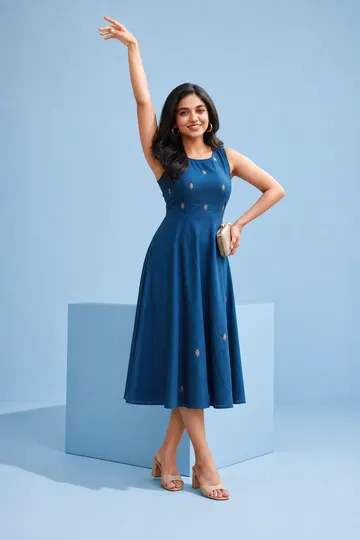
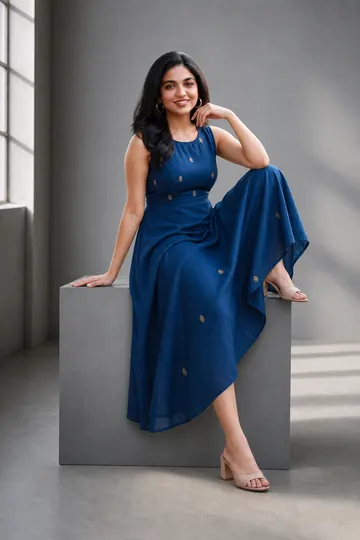
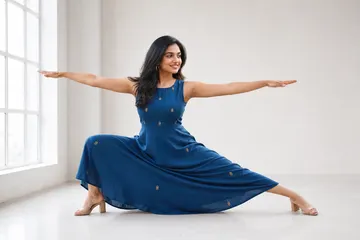 + every take
Send any frame you made to a video model, on the same canvas and with the same characters. Every clip is saved to your local history next to the image it came from.
Through fal.ai, Higgsfield and Dreamina.
Sources, direction, cost and history live in one local workspace, whichever engine you use.
Compose families and groups, with identity strength set person by person.
Lens, aperture, light, framing, wardrobe, expression, grain and finish.
Upload any reference or split a pose sheet into single poses. Everything you add is saved for next time.
Compare takes side by side and keep the one that works.
Spend, tokens, success rate and median latency for each engine. Export to CSV or JSON.
Crop U.S. and Indian passport, visa and OCI photos locally, with the official guidance alongside.
Save camera, light and styling as a recipe and apply it to the next shoot.
JPG, PNG, HEIC and HEIF are welcome. No conversion step.
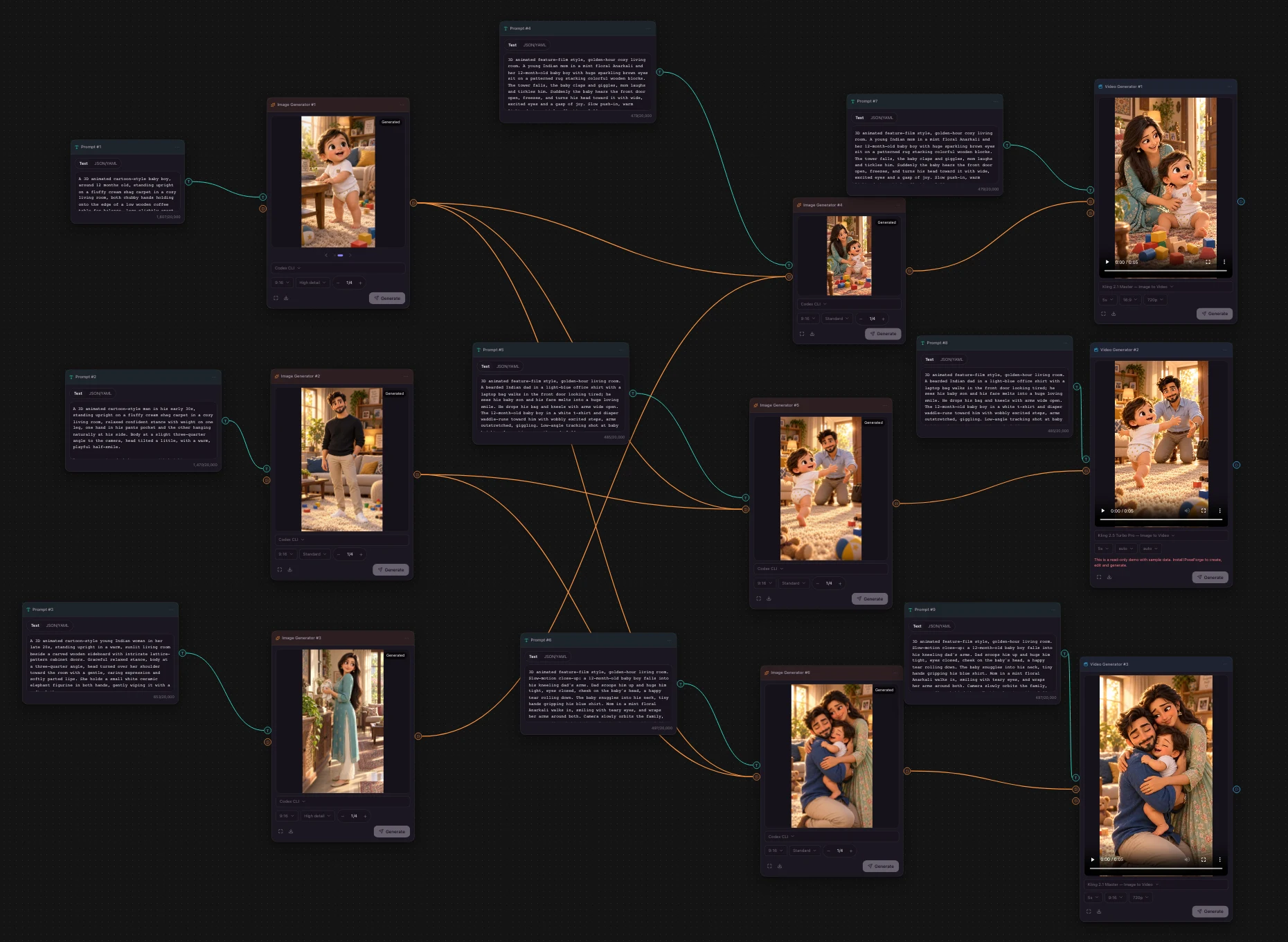
Keep the person and change the pose, camera, light and mood. Chain image and video steps on one canvas, even when each step uses a different engine.
Choose one to four people from your local library, or add a portrait from your camera roll.
Borrow body language from any reference, then set lens, light, framing, wardrobe and finish.
Run on any image engine, keep the best take, then turn it into a clip with Kling, Veo or Seedance.
 Local-first by design
Paste it into Terminal. PoseForge downloads, installs, sets up its own database and starts. No account, no Docker, no cloud gallery.
git clone https://github.com/vishwakulkarni/PoseForge.git && cd PoseForge && npm install && npm run dev✓ Ready on http://localhost:3000
localhost:3000Needs Node.js 20.9+ and git. Your characters and results stay in the PoseForge folder on your machine.